Live TV & International Channels
Explore live viewing in English, French and other languages. Find familiar favourites and discover programmes from around the world.
Interac e-Transfer Accepted
WHAT YOU CAN WATCH
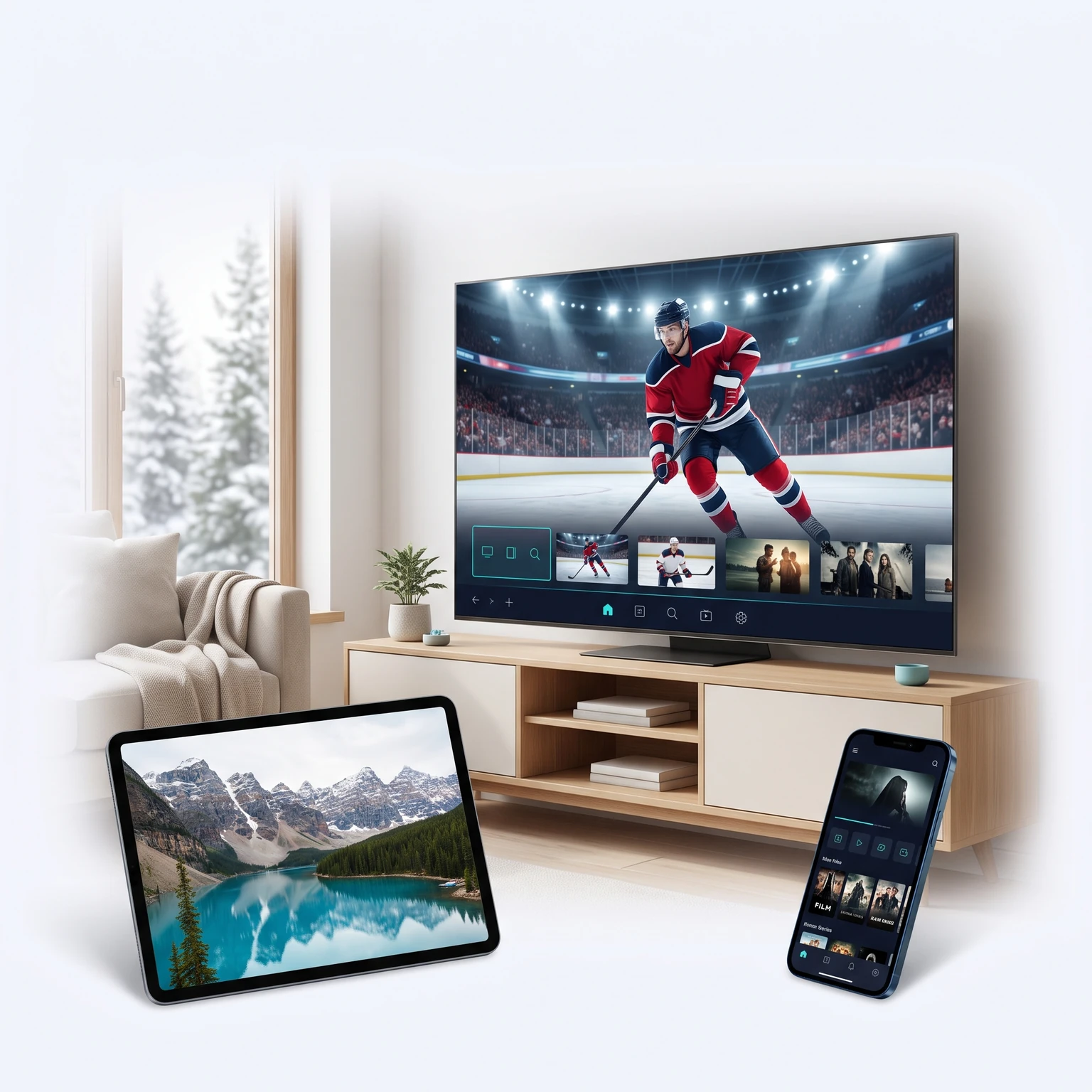
Explore live viewing in English, French and other languages. Find familiar favourites and discover programmes from around the world.
Make room for live sport in your viewing routine, with coverage to explore alongside your everyday entertainment.
Choose a film when you are ready to watch. Browse the on-demand selection for something that suits your evening.
Find a series for a quiet night in or your next catch-up session. Browse available titles and episodes at your own pace.
Make the trial yours: check your preferred channels, sports and titles before choosing a plan.
Start Your 24-Hour Free TrialCHOOSE WITH CONFIDENCE
Start with your own device and a conversation with our team. Know what you are choosing before you pay.
Read our Terms and Conditions and Refund Policy.
Explore the service on your own setup before choosing a paid plan. Check the content that matters to you.
Tell us your device model. Our team can guide you through choosing a suitable app and getting started.
Compare plans for 1–5 devices and choose your subscription duration. View the plan totals before arranging payment.
Pay through Interac e-Transfer or cryptocurrency. Confirm the plan and payment instructions with the team first.
DEVICES & APPS
Start with the screen you already use. Tell us your device model and our team can help you choose a suitable player and setup.
Need setup details? Read the Fire TV setup guide or the Samsung and LG TV setup checks before choosing an app.
Smart TVs
Smart TVs
Smart TVs
Android TV, TV boxes, phones & tablets
TVs & Chromecast with Google TV
Fire TV Stick & Fire TV Cube
iPhone, iPad & Mac
PCs
Streaming devices
Streaming devices
App availability and setup depend on your device model and operating system. Our English and French support team can help you check your options.
Brand names identify devices and apps; they do not imply a partnership or support on every model.
IPTV, EXPLAINED
IPTV means Internet Protocol Television. It delivers television over an internet connection, so you watch through a compatible device and player app rather than a traditional cable or satellite connection. The experience depends on the service, your device and your home network.
To get started, you need an internet connection, a device that supports a suitable IPTV player, and subscription access. The player is the software used to open and watch the service; it is separate from the IPTV subscription. Some players have their own licence or app fees, which are separate from your IPTV Vera plan.
A trial lets you check the experience on your own setup before choosing a subscription. Ask our team about your device, follow the setup guidance and try the available channels, movies and series. Use those 24 hours to see how the player feels and how playback works on your connection.
HOW IT WORKS
Start a conversation, try your setup, then choose the plan that fits.
Request a free trial through WhatsApp and tell the team your device model so they can recommend a suitable app.
Receive your trial details and setup guidance, then test available channels, movies and series on your own connection.
Select your device count and subscription duration. Contact the team to arrange payment by Interac e-Transfer or cryptocurrency and confirm activation.
Message us on WhatsApp to request your trial and get setup help.
QUESTIONS, ANSWERED
Practical answers about your trial, setup and subscription.
Select a free-trial button to open WhatsApp, send the prefilled message and tell us your device model. Our team will help you choose a suitable app and provide your trial details and setup guidance.
You need a compatible device, a suitable IPTV player, an internet connection and trial or subscription access. Have your device model ready so support can guide your setup.
Support covers a range of smart TVs, streaming devices, phones, tablets and computers. App availability and setup depend on the model and operating system. Use Check My Device to ask about your exact model before choosing a plan.
The right player depends on your device and operating system. Tell support your model so they can suggest a suitable option and explain the setup. The player is the app you watch through; subscription access is arranged separately.
An IPTV player and an IPTV Vera subscription are separate. Some players have their own purchase or licence fees. Check the app’s current terms and pricing before installing or paying for it.
Use the trial on the internet connection you plan to watch with. If Wi-Fi playback is inconsistent, check the signal and try Ethernet where your device supports it. Internet quality, network load and device capability can affect the experience.
Choose a plan for 1–5 devices based on the devices you intend to use. Simultaneous use must stay within the device count in your purchased plan. Confirm your setup with support before paying or adding another device; see the Terms and Conditions.
Yes. HD and 4K streaming are available for supported content. Actual playback depends on the source, your device and player, and your internet connection. Use your trial to test your preferred channels and titles; not every programme is available in every resolution.
IPTV Vera offers English, French and international viewing options across live channels, movies and series. Check the current selection for your preferred languages during the trial, as content availability can change.
Yes—use your trial to look for the channels, sports coverage, movies and series you care about. Ask support about your priorities before choosing a plan. Specific events or titles are not guaranteed to be available.
All plan prices are term totals in Canadian dollars for 1, 3, 6 or 12 months. Choose 1–5 devices, then confirm the price and payment instructions with support. Payment is arranged through Interac e-Transfer or cryptocurrency.
Contact support in English or French with your device model, app name and a description of the problem, including any error shown. Tell us whether it affects one title or everything you try to watch so we can help investigate.
Contact support before your current term ends to confirm the device count, duration, current price and payment instructions for your next term. Ask the team to confirm the renewal details for your subscription.
Read the Refund Policy before purchasing. Activated subscriptions are generally final, subject to the policy’s exceptions and applicable rights; a request does not guarantee approval. Contact support on WhatsApp for setup help or a review of an issue.
USEFUL GUIDES
Practical reading for the screen you use and the questions that come up along the way.
Choose a suitable player, install through the official store and test your Fire TV setup.
Read the guideUnderstand model and webOS differences, store availability and the checks to make before paying.
Read the guideWork through connection, app and device comparisons, then share useful details with support.
Read the guideCheck compatibility, add your supplied trial details and test TiviMate before choosing a plan.
Read the guideChoose a compatible player, test your trial and manage mobile-data use on iPhone or iPad.
Read the guideA SEPARATE BUSINESS CONVERSATION
Tell us about your market, experience and support needs. Discuss the available options with the IPTV Vera team.
READY WHEN YOU ARE
Try the service on your own device, explore the available channels and on-demand library, and get setup help in English or French before choosing your plan.